
Note: The names and placement of items on this page may differ based on how your partnered brand has set up their Creator Edit portal. Reach out to your brand if you have questions.
An affiliate tracking link allows you to earn a commission when you drive a desired action for a brand, such as a sale, an app install, or a landing page visit. When a follower clicks your link and completes that action (a conversion), you get credit for it.
Affiliate tracking links contain parameters and IDs that are unique to you. This is how brands track who drove the conversion and how much commission you’ve earned.
Most brands determine who to credit for a conversion based on the last link a customer clicks. When your link is the last one clicked, you’re credited with the conversion and get a commission.
What your links will look like
The platform generates a simple, clean link for you to share. These are called short links, and are easier for your audience to trust and share.
Examples include:
https://acme.net/spring(a custom vanity link)https://yourname.hn/XxZ64o(a generic short link)
A tracking link is not:
A standard store link – A plain URL like
www.brand.com/red-shoes.Your Storefront or Collection link – While links like
brand.com/mypage/YourNameshow your curated picks, they don’t function as a tracking link for specific products.
On the dashboard, navigate to the Create a Tracking Link widget below your profile.
Copy the URL of the product(s) you'd like to promote from the Creator website and paste it in the Enter a landing page field below the Create a tracking link header.
Select Create to generate a short link.
Optionally, select Make this a vanity link to add a custom path to the tracking link (e.g.,
https://creator.com/MyCustomLink).Enter your custom path into the MyCustomLink field and select Continue.
Select
![[Copy]](https://paligoapp-cdn-eu1.s3.eu-west-1.amazonaws.com/impact/attachments/f01cdffa431a4d75ff09c130b66974d4-b27bd61299e1060f5f13d229b13ff982.svg) [Copy] at the end of the text box. The short link is now in your clipboard and you can share it with your followers.
[Copy] at the end of the text box. The short link is now in your clipboard and you can share it with your followers.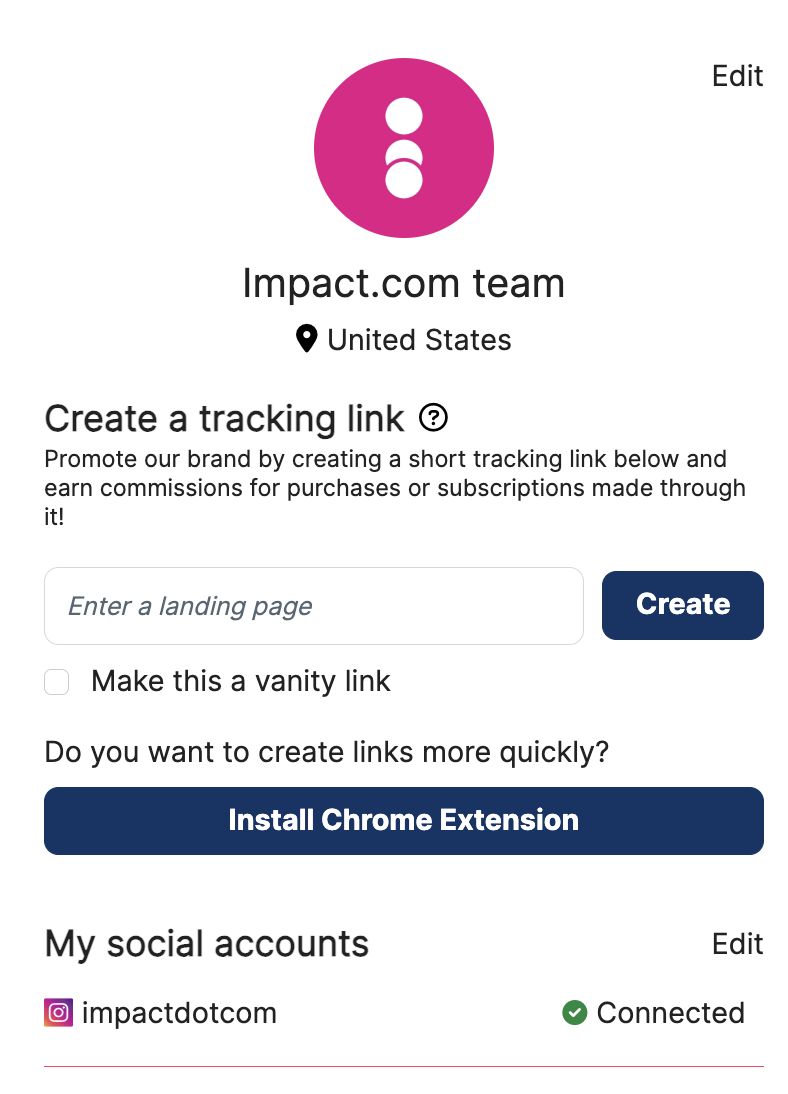
You can also generate tracking links for each product that the brand offers.
From the top navigation menu, select Products.
Navigate to the product for which you want to generate a tracking link.
Refer to Access the Product Marketplace if you need a refresher on how to look for specific products.
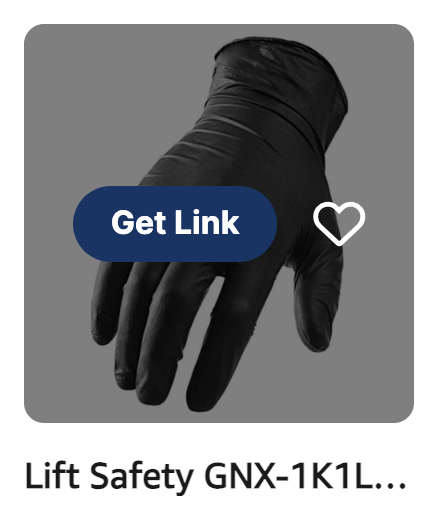
Hover over the product you would like to promote and select Get link. This will generate a short link.
Select the Copy link button. The short link is now in your clipboard and you can share it with your followers.
Optionally, you can generate tracking links using your partnered brand's dedicated Chrome extension. See how to Set Up & Use Your Chrome Extension.